How to Convert Your Bolt.new (StackBlitz) Web App to Native iOS and Android
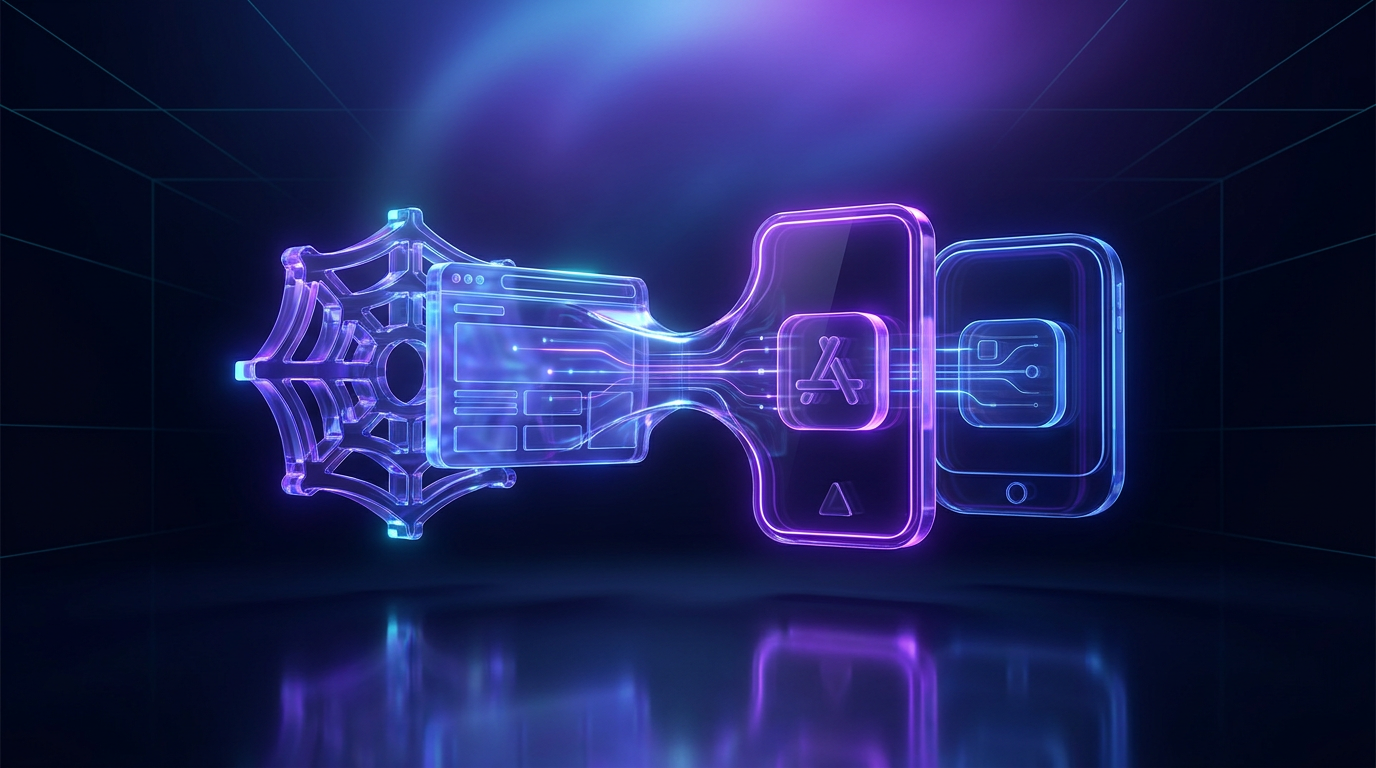
To convert your Bolt.new (StackBlitz) web app to native iOS and Android, you must export your source code from the Bolt environment, integrate the Capacitor bridge to access native APIs, and bundle the code into .ipa and .aab binaries for submission to the App Store and Google Play. While Bolt.new is an exceptional environment for "vibe coding" and rapid prototyping, the output is a web application that lacks the distribution, hardware access, and home-screen presence of a native mobile app.
The Bolt.new Mobile Gap
Bolt.new allows you to describe an application and watch an AI agent generate the frontend and backend logic in real-time. However, because it runs within a browser-based IDE (StackBlitz), the resulting product is a URL, not an app.
A web application lacks several critical features for a mobile-first business:
- Distribution: You cannot be discovered in the Apple App Store or Google Play Store.
- Hardware Access: Browser-based apps have restricted access to Face ID, Biometrics, and low-level sensor data.
- Push Notifications: While web push exists, it is notoriously unreliable on iOS compared to native Firebase Cloud Messaging (FCM).
- User Retention: Native apps sit on the home screen; web apps are often forgotten in a browser tab.
Professional Conversion vs. Wrapper Tools
When researching how to convert Bolt.new to a mobile app, you will encounter "wrapper" services. It is important to distinguish between a simple WebView and a native binary built with Capacitor.
Simple WebViews (The Risks)
Tools like BuildNatively or Convertify often create a simple "shell" that loads your URL. This carries significant risks: If your app provides no native utility beyond what a website does, it will be rejected.
- Subscription Costs: BuildNatively starts from $19/month, which totals $228 per year.
- Lack of Control: Many of these services do not provide the source code or require you to host the app on their infrastructure.
The Capacitor Approach
It allows your Bolt.new code to run inside a native bridge. At KW Native, we use this approach because it allows the app to pass Apple’s review by integrating native features like Apple Sign In and Face ID.
Step-by-Step: Moving Bolt.new to Mobile
To move your Bolt.new project to the App Store, follow this workflow.
1. Export from Bolt.new to GitHub
You cannot build a mobile app directly inside the Bolt.new interface. You must click the "Push to GitHub" button. This gives you the raw React or Vite-based source code. If you download a zip file instead, initialise a local Git repository and push it to GitHub to maintain version control.
2. Prepare Your Web Build
Your code must be "production-ready." In your terminal, you would typically run npm run build. This generates a dist or build folder containing static HTML, CSS, and JavaScript. This folder is what eventually gets bundled into the mobile app.
3. Integrate the Capacitor Bridge
You need to add Capacitor to your project: npm i @capacitor/core @capacitor/cli npx cap init
This creates a capacitor.config.ts file. This file tells the mobile app which URL to load (your production web URL) and how to handle native permissions.
4. Implement Native Requirements
Apple and Google require specific integrations that Bolt.new does not generate automatically:
- Apple Sign In: Mandatory if you offer any other third-party login (like Google or Facebook).
- Permissions: You must explicitly define why you need the camera or microphone in the
Info.plist(iOS) andAndroidManifest.xml(Android) files. - Icons and Splash Screens: You need specifically sized assets (1024x1024 for icons) that the native system can scale.
Apple states that apps should provide "features, content, and UI that elevate it beyond a repackaged website."
To clear this, your Bolt.new app should include at least two of the following:
- Push Notifications: Sending alerts to the lock screen via Firebase FCM.
- Native Authentication: Using Face ID or Touch ID for secure login.
- Haptics: Native vibration feedback on button presses.
- Deep Linking: Ensuring that Universal Links open the app instead of the browser.
The KW Native Solution
Converting a Bolt.new app yourself requires a Mac, Xcode, Android Studio, and knowledge of CocoaPods and Gradle. For many non-technical founders, this is a distraction from building the actual product.
KW Native provides a "Done-For-You" service. We take your Bolt.new GitHub repository and return fully functional iOS and Android binaries.
Pricing Comparison
You own the source code, receive the GitHub repo, and the app is published under your own developer account. No monthly fees.
- Median.co: Starter is $229 one-time + $179/year from month 12. This results in a higher lifetime cost and often results in vendor lock-in because you do not receive the source code.
- BuildNatively: From $19/month subscription ($228/year). If you stop paying, your app stops working.
Our Process
- Preparation: We audit your Bolt.new code for mobile responsiveness and readiness.
- Native Layer: We add Capacitor and configure Firebase for push notifications.
- Submission: We handle the technical side of the App Store Connect and Google Play Console logic.
- Handover: We give you the source code and a RUNBOOK.md so you are never locked into our service.
If you are ready to get started, you can view our pricing and packages.
When Bolt.new is Not Ready for Mobile
Not every Bolt.new project should be an app. If your project is a simple blog or a static landing page, Apple will likely reject it. However, if your Bolt.new project is a tool, a SaaS dashboard, a social network, or an e-commerce store, it is a prime candidate for a native conversion.
For those moving from other AI tools, the process is very similar. You may find our guides on converting Lovable apps or v0 projects useful.
Platform Fees and Requirements
Before you can publish, you must register for developer accounts. These are separate from the KW Native service fee:
- Apple Developer Program: $99/year (£79 in the UK).
- Google Play Console: $25 one-time registration fee.
Summary Checklist
- [ ] Export code from Bolt.new to GitHub.
- [ ] Ensure the web app is responsive (works on mobile screens).
- [ ] Set up Apple Developer and Google Play accounts.
- [ ] Add native-only features to satisfy App Store guidelines.
- [ ] Generate
.ipaand.aabfiles for submission.
By following this path, you turn a browser-based prototype into a legitimate mobile product. Admission to the App Store adds a level of trust and authority to your project that a simple URL cannot match. If you need a professional hand to ensure you pass review the first time, get started with KW Native today.
Sources
Every figure above was checked against the page it cites · here they are, so you can check them too.
- Google Play Console registration is a $25 one-time fee. · support.google.com
- Apple Guideline 4.2 requires apps to provide more than a repackaged website. · developer.apple.com
Frequently asked questions
- How do I convert a Bolt.new app to mobile?
- You must export your Bolt.new code to GitHub, integrate the Capacitor framework, add native features like Apple Sign In or Push Notifications to satisfy App Store guidelines, and then build the native binaries (.ipa and .aab) using Xcode and Android Studio.
- Can I publish a Bolt.new app to the Apple App Store?
- Yes, but you must ensure the app provides native functionality beyond a simple website. Apple's Guideline 4.2 requires apps to have features like push notifications, biometrics, or offline capabilities to avoid being rejected as a 'repackaged website'.
- How much does it cost to convert a Bolt.new app to native?
- KW Native offers a one-time fee starting at £399 for iOS and £599 for both iOS and Android. This is a one-time cost, not a subscription, and includes the full source code and ownership of the app.